Web Application Development in Nepal 2026

Most businesses don't wake up one day and decide they need a "web application." It usually starts smaller than a spreadsheet that's grown too many tabs, a WhatsApp group being used to approve purchase orders, an Excel sheet that only one person in the office actually understands. It works, until it doesn't. Once customers, staff, or partners all need to see the same information at the same time, a browser tab stops being enough, and the business needs an actual system behind it.
That's what a web application is, in practical terms: a system that lives in the browser but behaves like real software logins, permissions, dashboards, workflows, reports all of it accessible from a laptop in Kathmandu or a phone in Pokhara without anyone installing anything.
This guide walks through what web application development actually involves in the Nepali market, what it costs, how it's built, what features actually matter, and how to tell a good development partner from a risky one.
What Is Web Application Development, Really?
A web application is software that runs in a browser but does far more than display information. Underneath the interface, there are usually a few consistent layers:
- Frontend – what the user sees and clicks: dashboards, forms, tables
-
Backend – the logic that decides what happens when a user clicks something
-
Database – where the actual business data lives (customers, orders, records)
-
APIs – the connections that let the application talk to other systems, like payment gateways or SMS providers
-
Authentication & roles – who is allowed to log in, and what they're allowed to see or change
-
Hosting & infrastructure – the servers that keep the application running and fast
None of this needs to be intimidating for a business owner to understand at a high level. The important part isn't the technology, it's what the system lets people do: approve something, book something, track something, report on something, without someone manually re-typing it into a spreadsheet afterward.
Website vs Web Application
This is one of the most common points of confusion, and it's worth getting right before spending money on either. We've covered this in more depth in Website vs Web App: Key Differences, but the short version is:
|
Website |
Web Application |
|
Mostly informs visitors |
Mostly lets users do something |
|
Built around pages and content |
Built around workflows and data |
|
Usually public, no login |
Usually login-based, role-specific |
|
Same experience for everyone |
Personalized per user |
|
Lower build and maintenance complexity |
Higher complexity, more moving parts |
|
Example: a company profile site |
Example: a CRM, a booking system, a staff portal |
A lot of businesses in Nepal start with a website and later realize their actual operational problem chasing approvals, tracking bookings, managing inventory needs a web application layered on top of it. That's a normal progression, not a sign anything was done wrong the first time around.
Why Businesses in Nepal Are Moving Toward Custom Web Applications
The businesses that end up needing a web application usually recognize a few familiar symptoms first and we've written about these signs in detail in 7 Signs Your Business Needs Custom Software. The short list:
- Data is scattered across spreadsheets, WhatsApp, and email, and nobody has the full picture
-
Approvals or handoffs between departments take days instead of minutes
-
Reporting means someone manually compiling numbers before every meeting
-
Customers keep asking "what's the status of my order/booking/request" because there's no self-service option
-
The business has simply outgrown the manual process it started with
A custom web application fixes this by centralizing the data, automating the repetitive parts, and giving each type of user admin, staff, and customer exactly the view and permissions they need.
Types of Web Applications Nepali Businesses Actually Build
Not every business needs the same kind of system. In our experience, most projects fall into a handful of recognizable categories:
CRM Web Applications
Track leads, customers, and sales activity in one place instead of a shared spreadsheet that three people are editing at once.
ERP & Business Management Systems
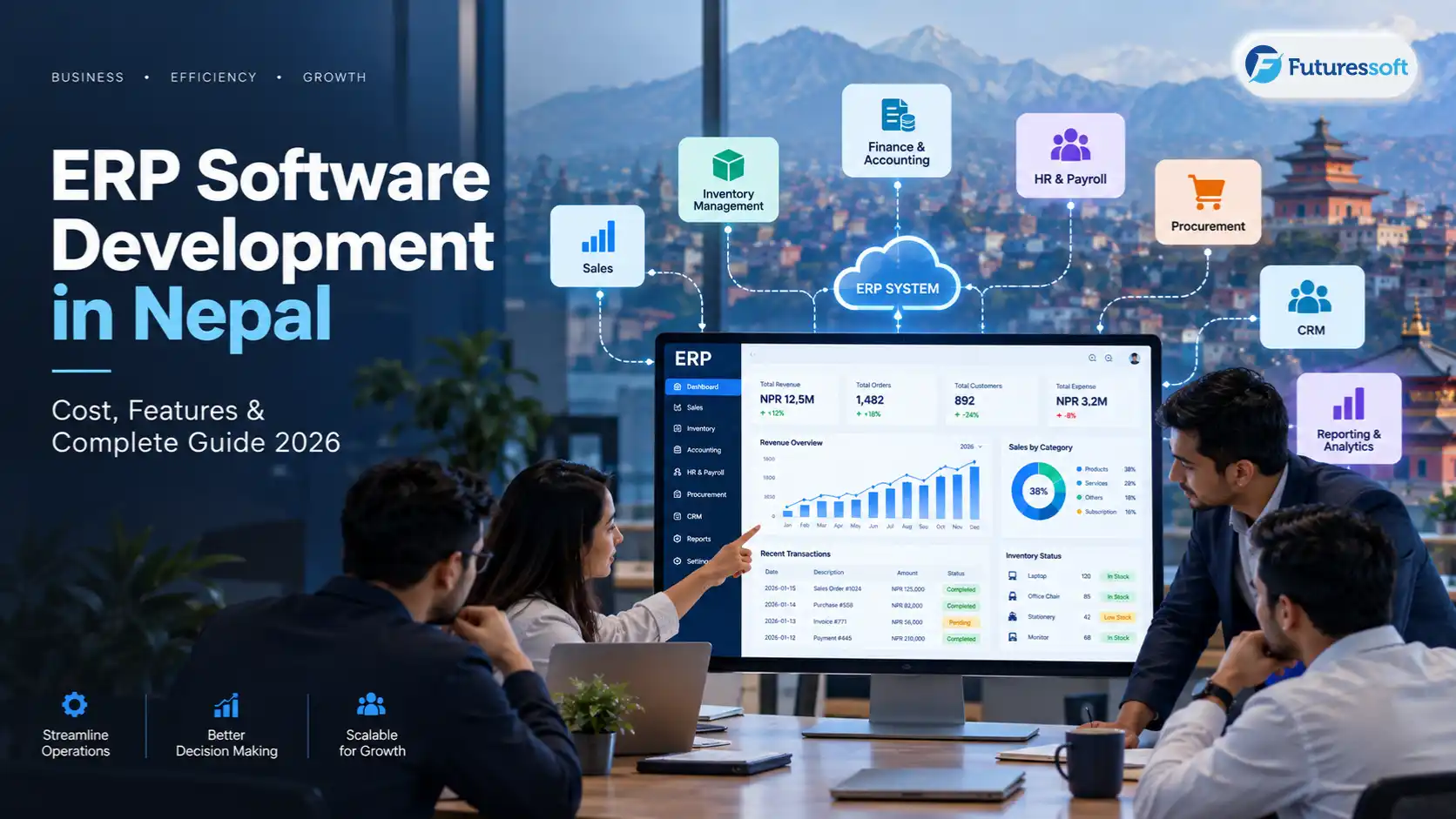
Bring together inventory, finance, HR, and operations into a single internal system.
Booking & Reservation Platforms
Common for travel, hospitality, and event businesses real-time availability, confirmations, and payment collection without back-and-forth phone calls.
Inventory Management Systems
Track stock across warehouses or branches, with alerts before something runs out.
School Management Systems
Attendance, fees, results, and parent communication in one portal is a natural next step for institutions that start with a school website, something we discuss in School Website Development in Nepal.
Healthcare Management Applications
Patient records, appointment scheduling, and staff coordination for clinics and hospitals.
Ecommerce Web Applications
Beyond a simple online store inventory sync, order management, and multi-role access for larger catalogs.
Customer & Partner Portals
Self-service dashboards so clients can check status, download documents, or submit requests without emailing support.
Internal Dashboards
Give leadership a live view of what's happening across the business instead of waiting for a weekly report.
SaaS Platforms
Multi-tenant products built to be sold or licensed to multiple clients, not just used internally.

Key Features of a Modern Web Application
Regardless of industry, most solid web applications share a common feature foundation:
- User authentication secure login for every user type
-
Role-based access control admins, staff, and customers each see only what they should
-
Admin dashboard a central place to manage users, data, and settings
-
Data management structured, searchable records instead of scattered files
-
Search & filtering finding a record shouldn't take five minutes
-
Notifications email, SMS, or in-app alerts for important events
-
Reports & analytics real numbers, not manually assembled ones
-
Payment integration for businesses that collect money online
-
API integrations connecting to accounting software, SMS gateways, or other third-party tools
-
File & document management uploads, storage, and retrieval built in
-
Mobile-responsive interface it needs to work properly on a phone, not just a desktop
-
Security & audit logs a record of who did what, and when
Not every project needs all of these on day one. Part of a good discovery process is figuring out which of these actually matter for your business, and which can wait for a later phase.
Web Application Development Process in Nepal
A properly run project generally moves through these stages this mirrors how we structure delivery, which is laid out in more detail on our software development process page:
- Discovery & requirements understanding the actual business problem before writing any code
-
Business workflow analysis mapping how work currently moves through the organization
-
UI/UX design wireframes and prototypes before full development starts
-
Technical architecture deciding how the system will be structured to handle growth
-
Frontend development building the interface users will interact with
-
Backend development building the logic, database, and business rules
-
API & third-party integrations payment gateways, SMS, email, maps, accounting tools
-
Testing & quality assurance functional, security, and performance testing
-
Deployment moving the application to production infrastructure
-
Maintenance & continuous improvement fixing issues, adding features, and keeping the system secure over time
Skipping the first two steps is the most common reason web application projects go over budget or end up not matching how the business actually works. A rushed discovery phase almost always costs more later, in rework.
How Much Does Web Application Development Cost in Nepal?
This is usually the first question business owners ask, and the honest answer is: it depends on complexity, not on a flat "web app" price tag. A rough framework looks like this:
|
Web Application Type |
Typical Complexity |
|
Basic internal tool (single role, simple workflow) |
Low |
|
Business management system (multiple roles, reporting) |
Medium |
|
CRM or booking platform with payments |
Medium–High |
|
Multi-role platform with integrations |
High |
|
SaaS product for multiple clients |
High |
|
Enterprise-grade application |
Very High |
The factors that actually move the price:
- Number of user roles and how different their permissions are
-
Number and complexity of workflows
-
Database size and structure
-
Design complexity (custom UI vs. standard components)
-
Third-party integrations (payment gateways, SMS, accounting software)
-
Real-time features (live tracking, live dashboards, chat)
-
Security and compliance requirements
-
Cloud infrastructure needs
-
Mobile responsiveness or a companion mobile app
-
Ongoing maintenance and support
For a broader breakdown of how these same factors apply across custom software projects generally, see Custom Software Development Cost in Nepal 2026. The short version: get a scoped quote based on your actual workflows rather than comparing flat numbers between vendors, since two "CRM" projects can differ in cost by a wide margin depending on what's actually inside them.
Web Application Technology Stack
For a business decision-maker, the technology stack matters less than whether it's the right fit for your scale and budget but it's still useful to know what's typically involved:
- Frontend: React, Next.js, or Vue for interactive interfaces
-
Backend: Node.js, Laravel, or PHP depending on the project's needs
-
Database: MySQL, PostgreSQL, or MongoDB
-
Infrastructure: AWS, Azure, or Google Cloud, with CDN and caching for performance
-
Integrations: payment gateways, SMS providers, CRM tools, mapping APIs, and more
There's no single "best" stack; the right choice depends on your workflows, expected traffic, and how the system needs to scale, which is a conversation worth having during discovery rather than deciding upfront.
Security Requirements for Web Applications
Because web applications usually hold real business and customer data, security isn't optional. At minimum, a properly built application should include:
- HTTPS across the entire application
-
Secure authentication and session handling
-
Role-based authorization enforced at the backend, not just hidden in the interface
-
Encryption for sensitive data
-
Regular, tested backups
-
Audit logs for accountability
-
Input validation to prevent common attacks
-
Secure API endpoints
-
Ongoing monitoring and a disaster recovery plan
This is also where the gap between a cheap freelance build and a properly engineered one usually shows up not on launch day, but months later when something goes wrong.
How Web Applications Show Up Across Industries
Travel: Booking engines, availability management, and customer accounts a natural extension of what we cover in Travel Software Development: Complete Guide.
Education: Schools that start with a public-facing website often later need attendance, fee management, and parent portals, the next step beyond what's described in School Website Development in Nepal.
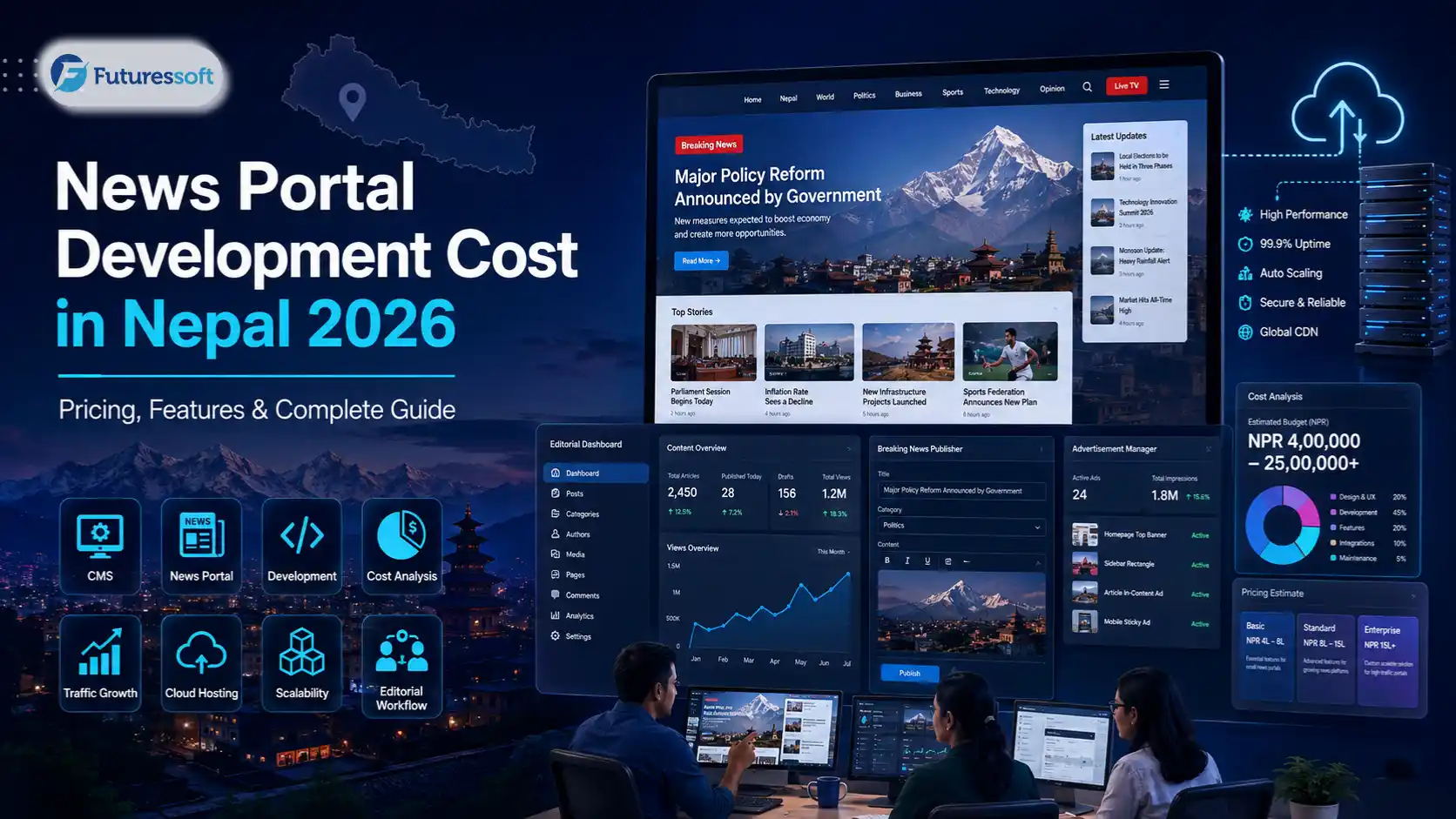
Media & Publishing: High-traffic newsrooms need editorial workflows, not just a CMS, something we go deeper on in Enterprise CMS Development for Media Companies, and in the pricing side of that same category in News Portal Development Cost in Nepal 2026.
Enterprise & Finance: Internal systems for reporting, approvals, and operations across larger organizations, where reliability and access control matter more than flashy design.
Our own project history reflects this pattern building and scaling high-traffic platforms like Ratopati, Ajakoartha, Prades Khabar, and Global Aawaj, each with its own workflow and infrastructure demands behind the interface.
Custom Web Application vs Off-the-Shelf Software
|
Custom |
Off-the-Shelf |
|
Built around your actual workflow |
Built around a generic workflow |
|
Fully flexible over time |
Limited by what the vendor allows |
|
Higher upfront investment |
Lower upfront cost |
|
Full ownership and control |
Ongoing vendor dependency |
|
Easier to add unique functionality |
Faster to get started |
|
Scales around your specific needs |
Scales only within the platform's limits |
Custom isn't automatically the right answer for every business. Sometimes a well-chosen off-the-shelf tool genuinely does the job, especially early on. The honest trigger for going custom is usually when the business is bending its own process to fit someone else's software, instead of the other way around.

When Should a Business Actually Build a Web Application?
It's probably time when:
- Spreadsheets are becoming unreliable or error-prone
-
Multiple departments need access to the same live data
-
Approvals or handoffs are slowing the business down
-
Customers are asking for self-service options
-
Several disconnected tools need to talk to each other
-
Reporting takes longer than it should
-
The business workflow is specific enough that no off-the-shelf tool fits well
It's probably not time yet when:
- A simple website would solve the actual problem
-
An existing SaaS tool already covers the need well
-
The process itself hasn't been validated yet
-
The expected usage doesn't justify the investment
How to Choose a Web Application Development Company in Nepal
A few things worth checking before committing to any vendor:
- Relevant project experience not just "we can build anything"
-
Technical capability across frontend, backend, and infrastructure
-
A real discovery process, not a rushed quote
-
A clear approach to security
-
A plan for scaling, not just launching
-
Actual QA and testing practices
-
Post-launch maintenance and support
-
Verifiable case studies
-
Clear scope and documentation before development starts
-
Transparent communication throughout the project
Why Businesses Choose Futuressoft for Web Application Development
Futuressoft is a software development company based in Lalitpur, working with startups, enterprises, and media organizations across Nepal and internationally. Our web application development services are backed by real infrastructure experience building and scaling high-traffic platforms for newsrooms, travel businesses, and enterprise clients, not just shipping a demo and walking away.
What that looks like in practice: a discovery process that starts with your actual workflow, a development process that follows the structure outlined on our process page, and a track record documented in our case studies including platforms like Ratopati and Global Aawaj that handle real production traffic, not just a portfolio screenshot.
Frequently Asked Questions
How much does web application development cost in Nepal?
It depends on complexity; a basic internal tool costs far less than a multi-role platform with integrations and payments. See the cost framework above, and our detailed breakdown in Custom Software Development Cost in Nepal 2026 for the fuller picture.
How long does it take to build a web application?
Simple internal tools can take a few weeks. Multi-role platforms with integrations typically take a few months. Scope, not just size, drives the timeline.
What's the difference between a website and a web application?
A website mainly informs; a web application lets users log in and actually do something see Website vs Web App: Key Differences for the full comparison.
Is custom web application development expensive?
It's a higher upfront investment than off-the-shelf software, but it avoids the long-term cost of forcing your business to work around someone else's limitations.
Which technology is best for web application development?
There's no universal answer: the right stack depends on your workflows, scale, and integrations, which should come out of a proper discovery process.
Can a web application integrate with our existing software?
Yes, most business web applications are built to connect with accounting tools, payment gateways, SMS providers, and other systems already in use.
Do web applications work on mobile devices?
A properly built one should be fully responsive on mobile browsers, even without a separate native app.
Can Futuressoft build a custom web application for my business in Nepal?
Yes we work with businesses across industries, from travel and education to media and enterprise, on both new builds and modernizing existing systems. You can schedule a call to discuss your project.
Do web applications require ongoing maintenance?
Yes. Security patches, performance monitoring, and feature updates are an ongoing part of running any web application, not a one-time cost.
Should I build a website or a web application for my business?
If you mainly need to be found and understood by visitors, a website is enough. If you need people to log in, manage data, or complete workflows, you need a web application and often, businesses eventually need both.
Final Thoughts
The right starting point for a web application is a business problem, not a technology choice. Businesses that have outgrown spreadsheets, disconnected tools, or rigid off-the-shelf software tend to get the most value from a properly designed system, one that centralizes data, automates the repetitive parts, and grows alongside the organization instead of holding it back.
If your team recognizes a few of the signs above, it's worth a conversation before committing to a build. Schedule a call with Futuressoft to talk through what a web application would actually look like for your business.
Related Insights